When it comes to vacation rentals, it’s often the little things that make a big difference. While a stunning view or a hot tub might be a huge draw, modern travelers are just as concerned with practical comforts like fast WiFi, Smart TVs, and, yes—coffee. These amenities may seem basic, but they can make or break a guest’s experience and even influence whether they leave a 5-star review or not.
Here’s why these three essentials matter so much—and how they can help you stand out in a competitive market.
1. Fast WiFi: The New Travel Necessity
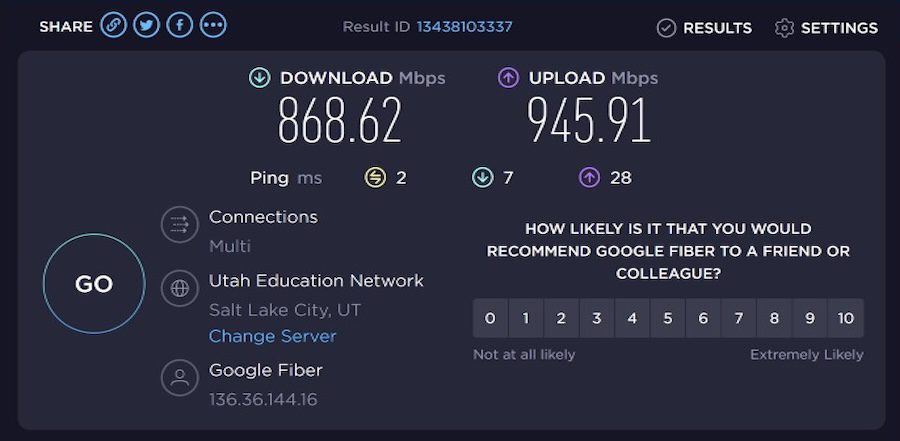
In the digital age, high-speed internet is no longer a luxury—it’s an expectation. Whether your guests are streaming Netflix, joining a Zoom meeting, checking Google Maps, or uploading vacation photos to Instagram, they need reliable internet access.
Why it matters:
- Remote work and digital nomads: With the rise of remote work and the “workation” trend, many travelers are mixing business with pleasure. Fast WiFi is critical for those planning to work during their stay. According to Statista, 74% of remote workers would consider taking a “workcation.”
- Entertainment and streaming: Families and groups staying in your rental are likely to use multiple devices at once. Laggy connections and buffering can lead to frustration. Services like Speedtest.net allow guests to check speeds—so if you’re not delivering, they’ll know.
What to do:
- Invest in fiber-optic internet or a WiFi 6 router.
- Advertise your upload/download speeds in your listing.
- Consider adding a mesh WiFi system for larger homes.
2. Smart TVs: The Ultimate Relaxation Tool
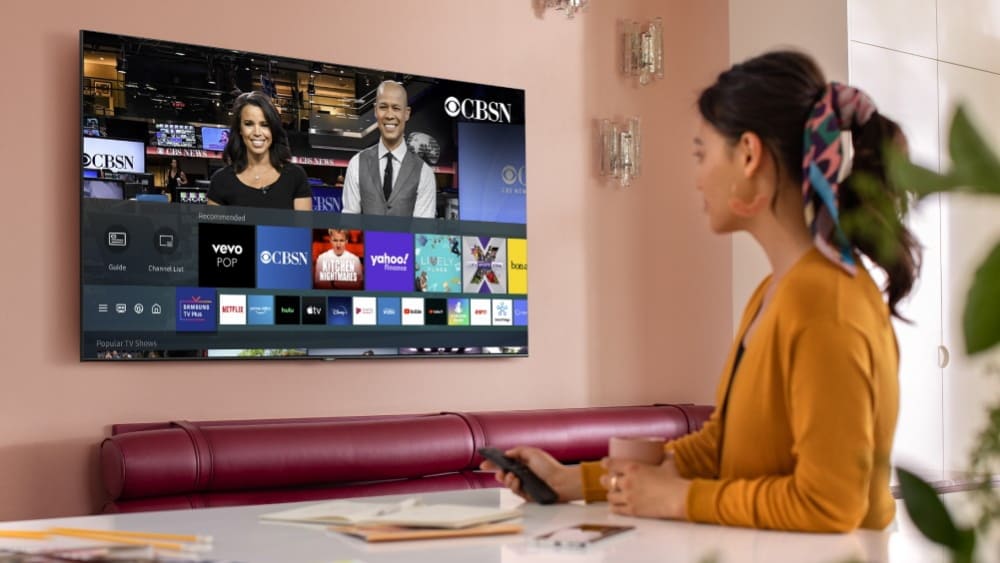
Travelers today expect seamless access to the same streaming services they enjoy at home—Netflix, Hulu, Disney+, Prime Video, and more. A Smart TV allows them to relax just how they want to, without complicated remotes or outdated cable packages.
Why it matters:
- Guest expectations: According to Pew Research, over 50% of Americans watch streaming TV every day. Guests don’t want to fumble with HDMI cords or old-school remotes.
- Binge-worthy nights in: For guests who are traveling with kids or just looking for a cozy night in, having access to streaming content is a major plus.
- Competitive advantage: Many vacation rentals still offer basic TVs or require guests to log in with their own devices. A Smart TV with preloaded guest accounts or streaming guides adds a personal touch.
What to do:
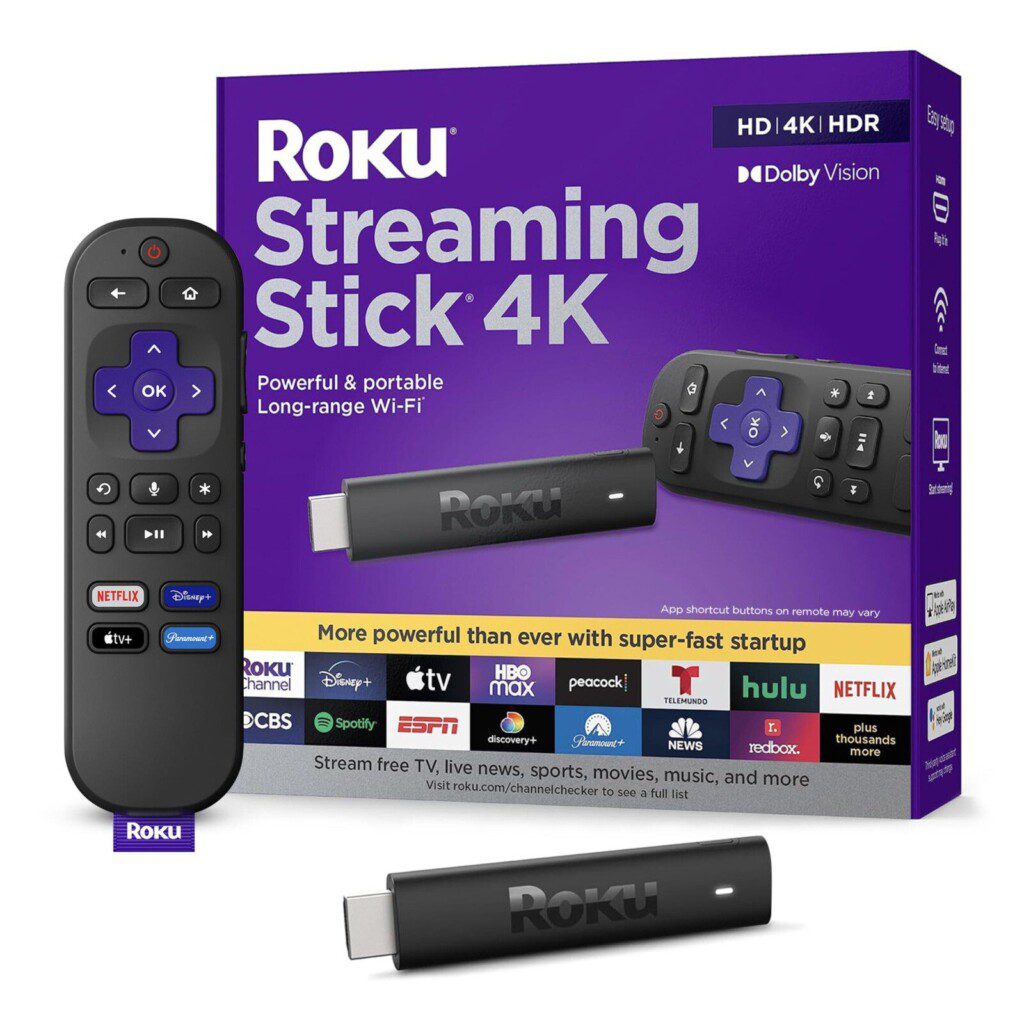
- Choose a Smart TV with voice control like Roku or Amazon Fire TV.
- Offer clear instructions or even a digital welcome book with login/logout info.
- Consider providing a soundbar or Bluetooth speaker to elevate the experience.
3. Coffee: The Morning Ritual That Feels Like Home
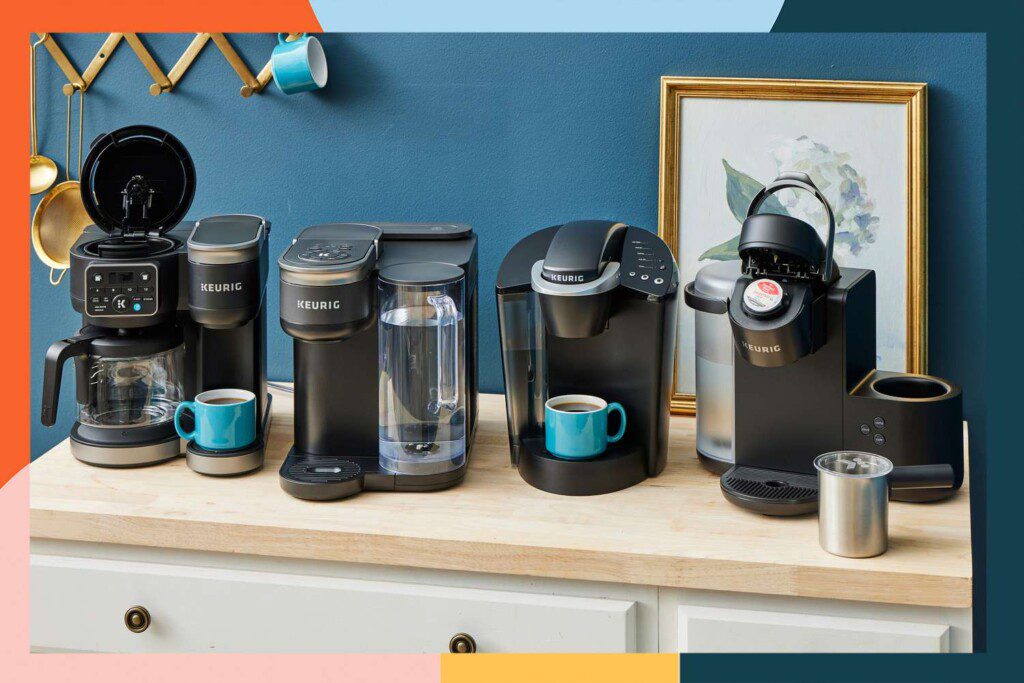
There’s something comforting about waking up to the aroma of fresh coffee—especially when you’re in a new place. Whether your guest is a cold brew connoisseur or a Keurig loyalist, providing quality coffee options makes a big impression.
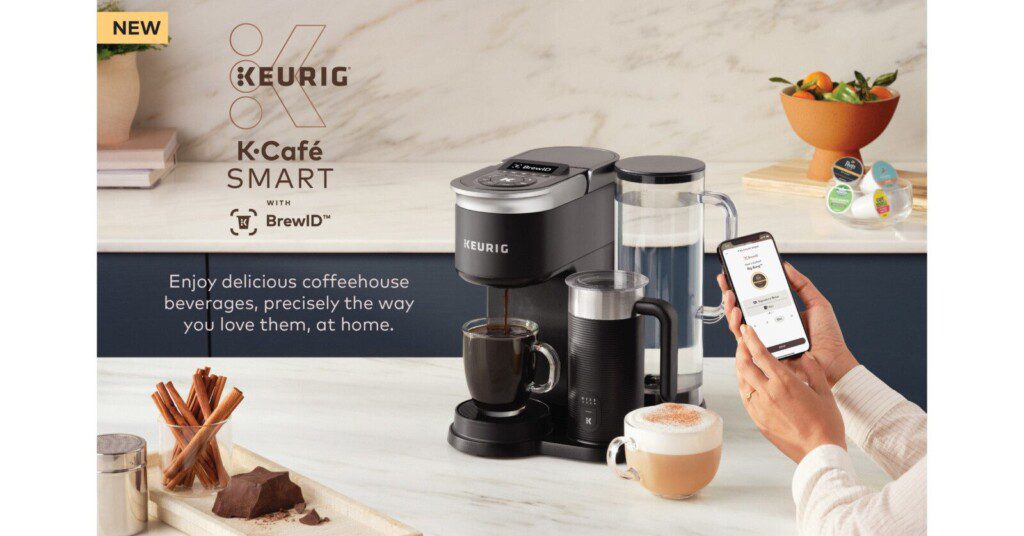
Introducing the K-Café® SMART, the newest brewer in Keurig’s connected line.
Why it matters:
- Start-the-day right: For many, coffee is a non-negotiable part of their morning. A good setup signals that you’ve thought about their needs.
- Local flair: Offering a local roast or unique brewing method (like a French press or pour-over kit) adds a touch of personality and can be a great talking point.
- Unexpected delight: A coffee bar with syrups, creamers, and mugs creates a boutique hotel vibe. According to Booking.com, free coffee is one of the most appreciated complimentary amenities.
What to do:
- Provide both Keurig and drip options to cater to different preferences.
- Include high-quality beans or K-cups and rotating local blends from nearby roasters (Find one near you).
- Set up a designated coffee station with mugs, stirrers, sweeteners, and a cute sign.
Final Thoughts: Small Touches, Big Rewards
In the crowded world of short-term rentals, details matter. Providing fast WiFi, a Smart TV, and great coffee may seem small, but they collectively shape the guest experience. These essentials check the boxes for both comfort and convenience—and they’re the kind of thoughtful touches that earn glowing reviews and repeat bookings.
If you’re upgrading your property or creating a new listing, make these three amenities a priority. Want to go even further? Check out Airbnb’s guide to setting up your space for more tips.
Want to learn how to position your property as a top vacation rental destination? CLICK HERE
A Practical Setup Checklist for Guest Comfort Amenities in Texas Rentals
Knowing these three amenities matter is one thing. Setting them up so they work on the first night, every night, is another. Here is a hands-on guide built around how Texas vacation homes actually get used, from lake weekends near Lake Conroe to family trips in Houston.
Test Like a Guest, Not Like an Owner
Most amenity problems are invisible to the person who set them up. Before every season, spend one night in the home and go through the guest experience from the front door.
- WiFi: Test the signal in every bedroom, on the back patio, and by the pool or dock area if guests will be there. Texas homes are often spread out, and a router tucked in a closet may leave far bedrooms with a weak signal.
- Smart TVs: Turn on every TV in the home, not just the main living room. Confirm each one launches apps, connects to the network, and has working remote batteries.
- Coffee: Brew a full cycle on every machine. Run a cleaning cycle or descale if the water tastes off.
Plan for Texas Weather and Power
Summer storms, heat, and the occasional outage are part of life in this region. A few small steps help your amenities recover quickly.
- Put the modem and router on a surge protector, and consider a small battery backup so a flicker does not knock the network offline.
- Keep equipment in a ventilated spot. Closed cabinets in a hot house can cause routers to overheat and slow down.
- Label the router and modem clearly, and leave a simple card near them explaining how to restart them in the right order. Your local team or cleaner can then handle a reset without a service call.
- Check that smart TVs return to the home screen after a power interruption without asking for a new login.
Common Mistakes to Avoid
- Leaving personal accounts signed in. Streaming apps that stay logged into a previous guest’s profile can expose viewing history. Sign out of everything between stays and use a dedicated property account.
- Forgetting the guest network. Keep guest traffic separate from any smart locks, cameras, or thermostats on the home network. A separate guest network is safer and easier to manage.
- Using a hard to read WiFi password. Avoid passwords full of lookalike characters. A simple, memorable phrase is easier to type on a TV or phone.
- Running out of coffee supplies. The first morning is when guests notice an empty pod drawer. Stock more than you think you need, plus filters, cream or creamer, and a few extra mugs.
- Neglecting machine upkeep. Mineral buildup from hard water can slow a brewer and affect taste. Make descaling part of your regular turnover routine.
A Simple Turnover Checklist
Add these quick checks to your cleaner’s or property manager’s turnover routine so small issues never reach a guest.
- Confirm the WiFi is active and the network name and password match the welcome materials.
- Verify each TV powers on, is signed out of old accounts, and opens the home screen.
- Replace batteries in remotes that feel sluggish.
- Empty and rinse the coffee machine, refill the water reservoir, and restock supplies.
- Wipe down the coffee station and check mugs for chips or stains.
- Note anything that needs repair so it can be handled before the next arrival.
Make It Easy to Find Help
Even a well prepared home can hit a snag. Put a short troubleshooting section in your welcome guide covering the router restart steps, how to switch TV inputs, and how to reach your support contact. Guests are far more forgiving of a hiccup when the fix is easy to find, and they are less likely to leave a frustrated review.
Frequently Asked Questions
How often should I check my vacation rental’s internet connection?
Check it at every turnover if you can, and run a full walkthrough test before each busy season. A quick look at the signal in the farthest room tells you a lot. Many owners also set up an alert from their router or provider so they find out about an outage before a guest does.
Should I leave streaming accounts logged in for guests?
It depends on your setup. A dedicated property account that is signed in is convenient, but it should never be tied to your personal profile. Whatever you choose, clear viewing profiles and sign out any guest logins at turnover so the next guest starts fresh.
What if a guest reports a problem during their stay?
Respond quickly and walk them through the simplest fix first, such as restarting the router or switching the TV input. Having a written guide in the home often solves the issue before they need to contact you. If it cannot be fixed remotely, arrange for someone to visit as soon as possible.
Do coffee machines need special care in Texas?
Water quality varies across the region, and mineral buildup can affect how a machine performs over time. Descaling on a regular schedule and replacing water filters if your machine uses them helps keep the coffee tasting fresh and the machine running well.